

Can I Use a Normal Android Tablet as a POS Machine in the UK?
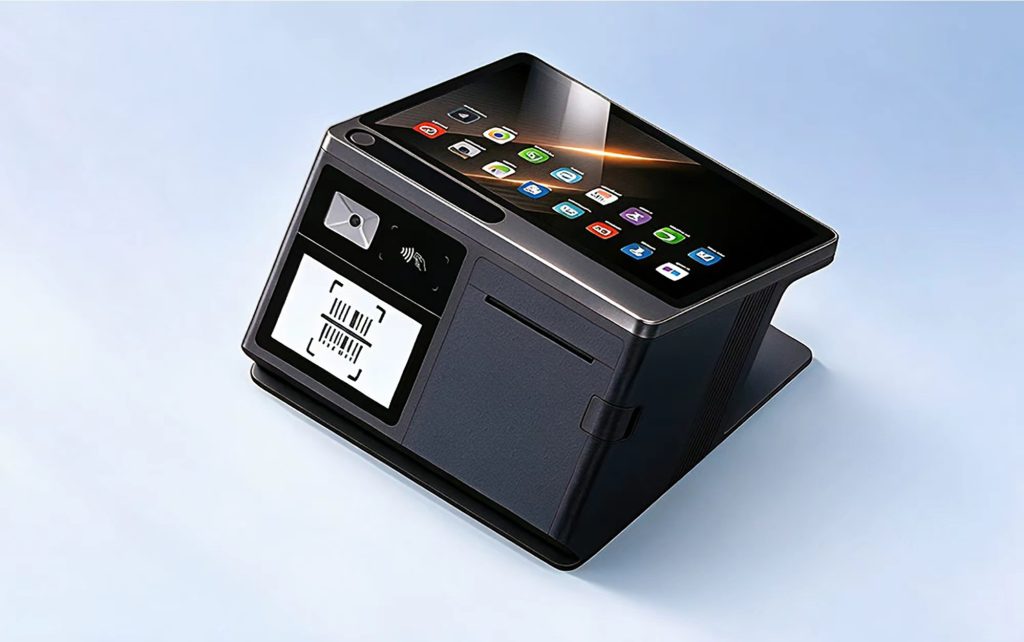
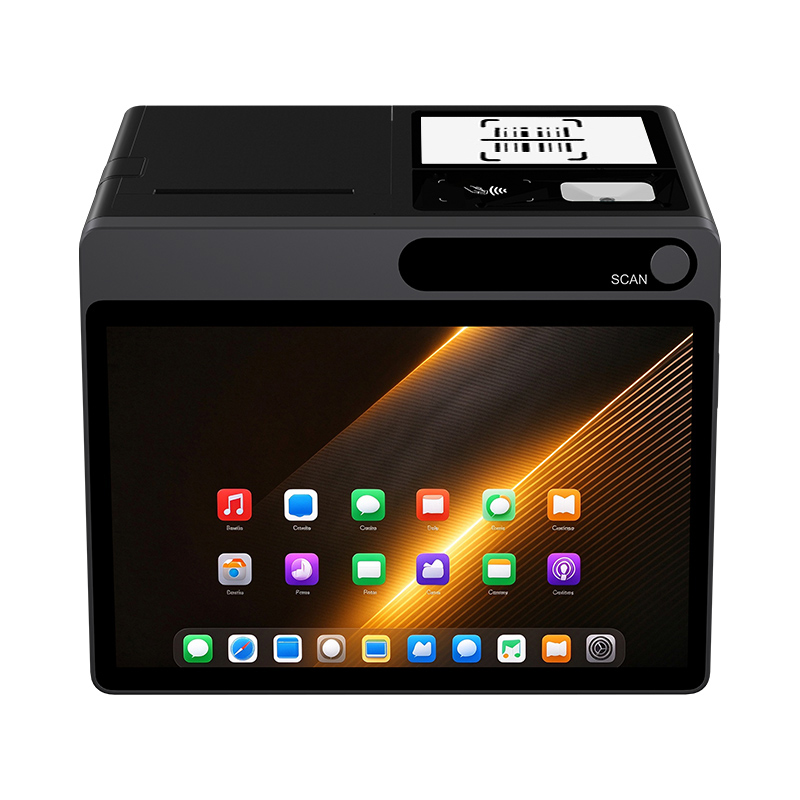
Short answer: Technically yes – a normal Android tablet can run SoftPOS apps in the UK if it has NFC, GMS certification, and Android 12+. But for daily retail operations, it cannot reliably replace a dedicated POS terminal. It lacks full payment NFC protocols, stable GMS support, essential peripheral ports, and battery endurance needed for an 8‑hour shift. A purpose‑built Android POS tablet for retail UK like the NORYOX T PAD 11″ – with Android 14 GMS, full‑protocol NFC, 1D/2D scanner, and 6000mAh battery – is designed exactly for this job.
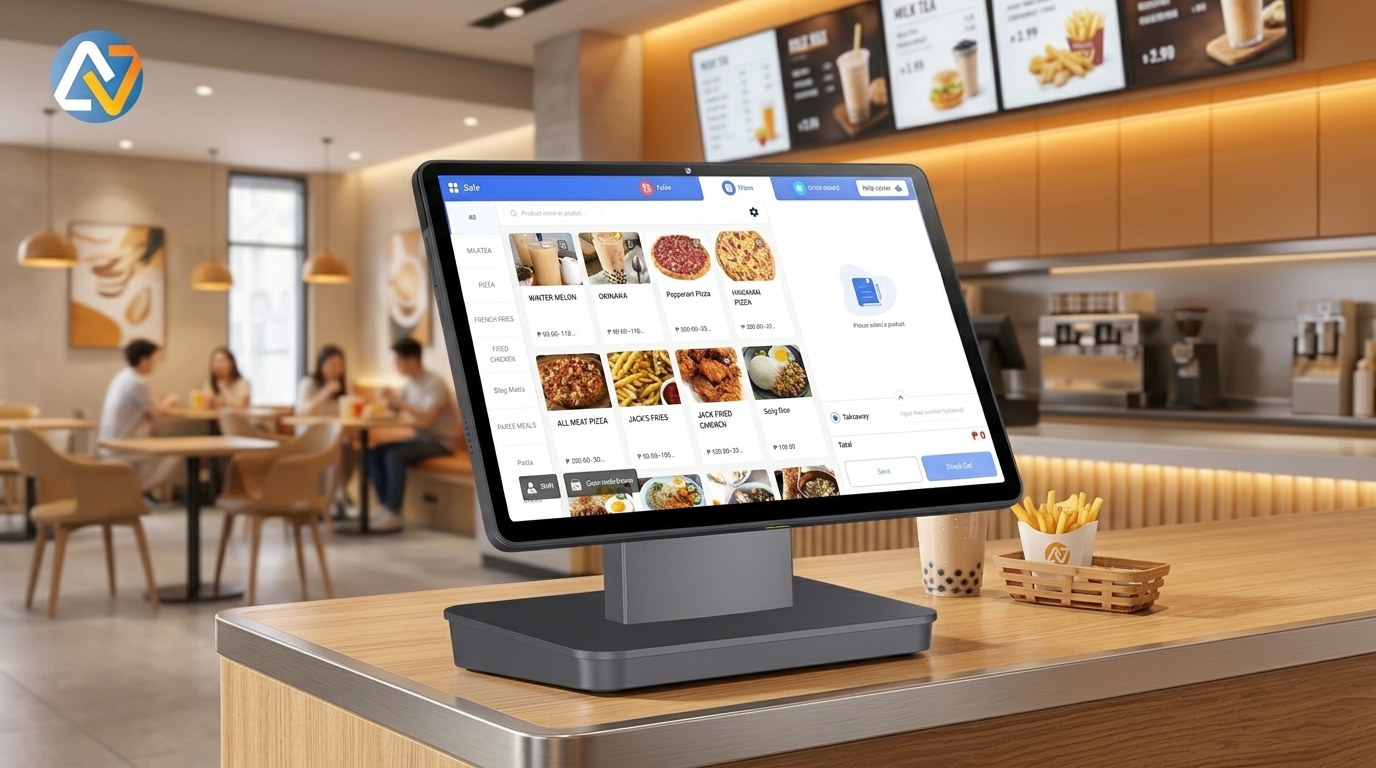
Why a Normal Tablet Falls Short for Daily UK Retail POS
Many small shop owners think they can save money by using a cheap Android tablet from Amazon. In theory, you can install a payment app. In practice, three things break under real retail pressure.
1. NFC Protocol Gaps
Most consumer tablets either lack NFC or only support basic tag reading. They are not EMV Level 1 certified and don’t support the full suite of payment protocols: ISO 14443 Type A/B, Mifare1, SL3, and Felica. Without all of these, your customers will get “card not supported” errors when trying to tap contactless cards, Apple Pay, or Google Pay. In a busy shop, that means lost sales and frustrated customers walking out.
2. GMS Certification Instability
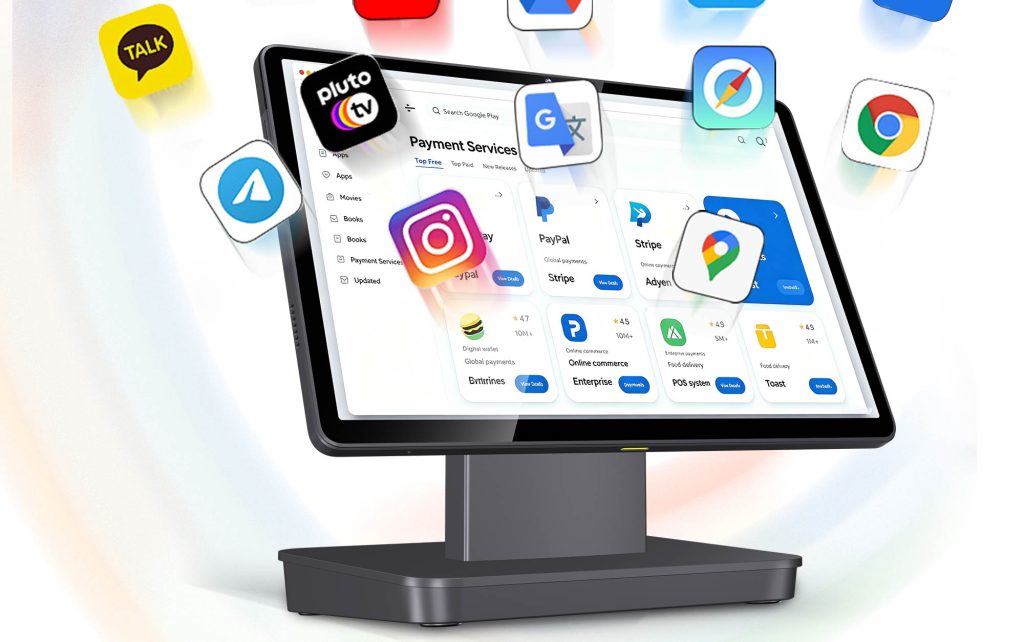
Even if a tablet runs Android 14, it may not have proper Google Mobile Services (GMS) certification. Mainstream UK SoftPOS apps – Visa Tap to Pay, Tyl by NatWest, Phos – require GMS plus Google Play Integrity API to validate the device. Without it, you can’t install or update these apps from Google Play, and sideloaded versions will fail security checks. This is a hard stop for payment processing.
3. Missing Commercial Interfaces
A normal tablet has one USB‑C port and maybe a headphone jack. A UK retail till needs:
- RJ12 to drive a cash drawer
- Multiple USB‑A for a receipt printer, barcode scanner, customer display
- LAN port for stable wired network when WiFi is crowded
- Dual SIM for cellular backup
No consumer tablet offers this combination. And the battery? Most last 4–5 hours under heavy use – not enough for an 8‑hour shift. You’d need to keep it plugged in, which defeats the purpose of a “portable” tablet.
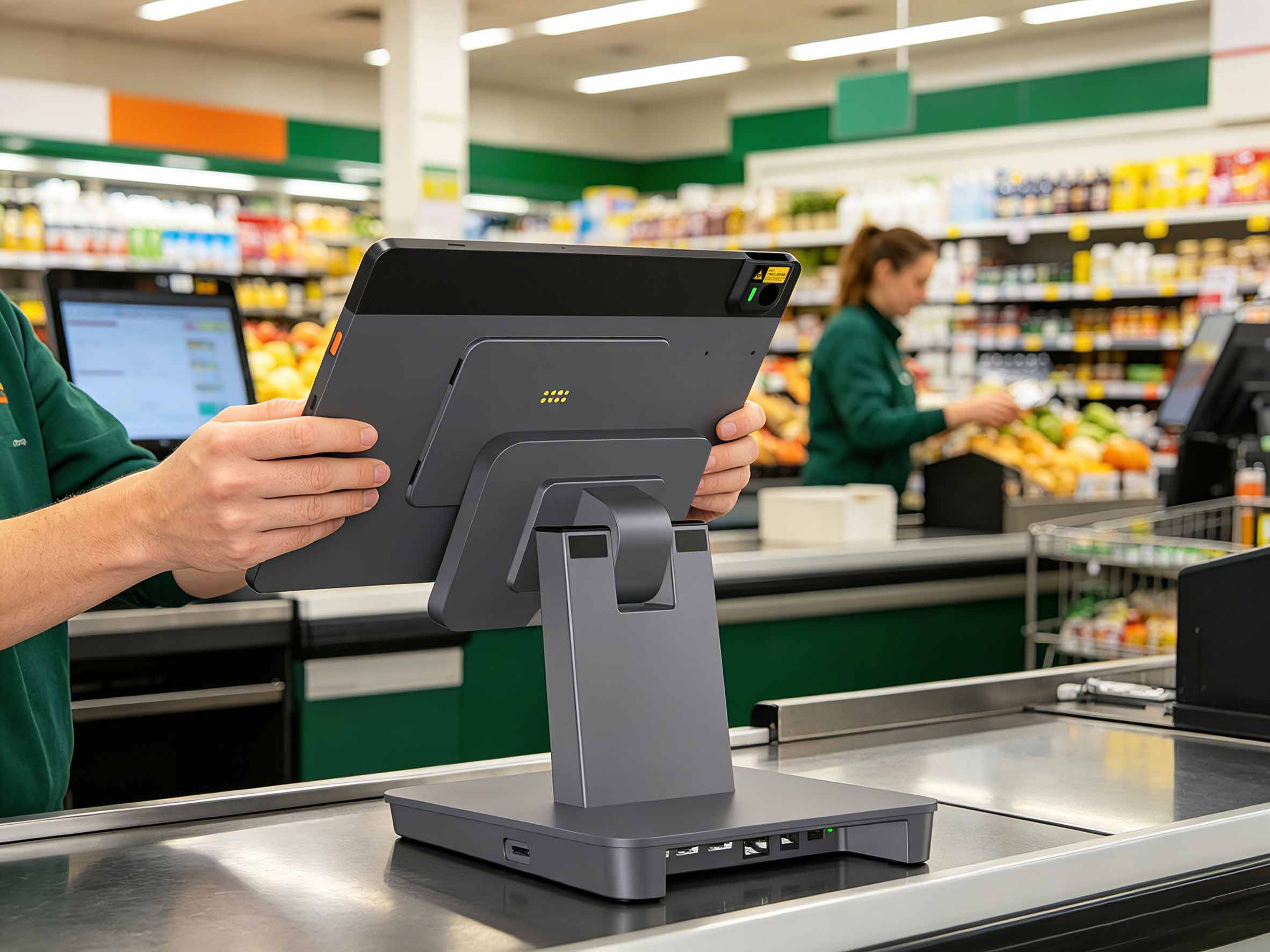
What a Professional POS Tablet Looks Like (NORYOX T PAD Example)
Here’s how the T PAD 11″ compares with a typical consumer tablet used as a tablet for POS:
|
Feature
|
Consumer Tablet (e.g., Samsung Tab A9+)
|
NORYOX T PAD 11″
|
|---|---|---|
|
OS
|
Android 14, GMS (maybe)
|
Android 14 certified GMS
|
|
NFC protocols
|
Basic tag reader only
|
ISO/IEC 14443 Type AB, Mifare1, SL3, Felica
|
|
CPU
|
mid‑range chip
|
8-core, up to 2.0GHz
|
|
RAM
|
4GB
|
6GB
|
|
Ports
|
1× USB‑C
|
Type C*1, USB-A *3, DC*1, RJ12*1, LAN*1
|
|
Scanner
|
None (camera only)
|
Built‑in 1D/2D barcode scanner
|
|
Battery
|
5000mAh, ~5h active
|
6000mAh pure cobalt, 8–10h shift
|
|
SIM
|
Single nano‑SIM
|
Dual SIM or SIM+TF
|
|
MDM
|
Not supported
|
Full MDM for management
|
|
SDK
|
Not supported
|
SDK( (contact sales for details)
|
|
Price
|
£250–350
|
Reasonable built for commercial duty
|
The T PAD isn’t just “better” – it’s built differently. Every component is chosen for 8‑hours‑a‑day, 365‑days‑a‑year retail use. The difference isn’t subtle; it’s the difference between a tool that works and one that causes daily frustration.
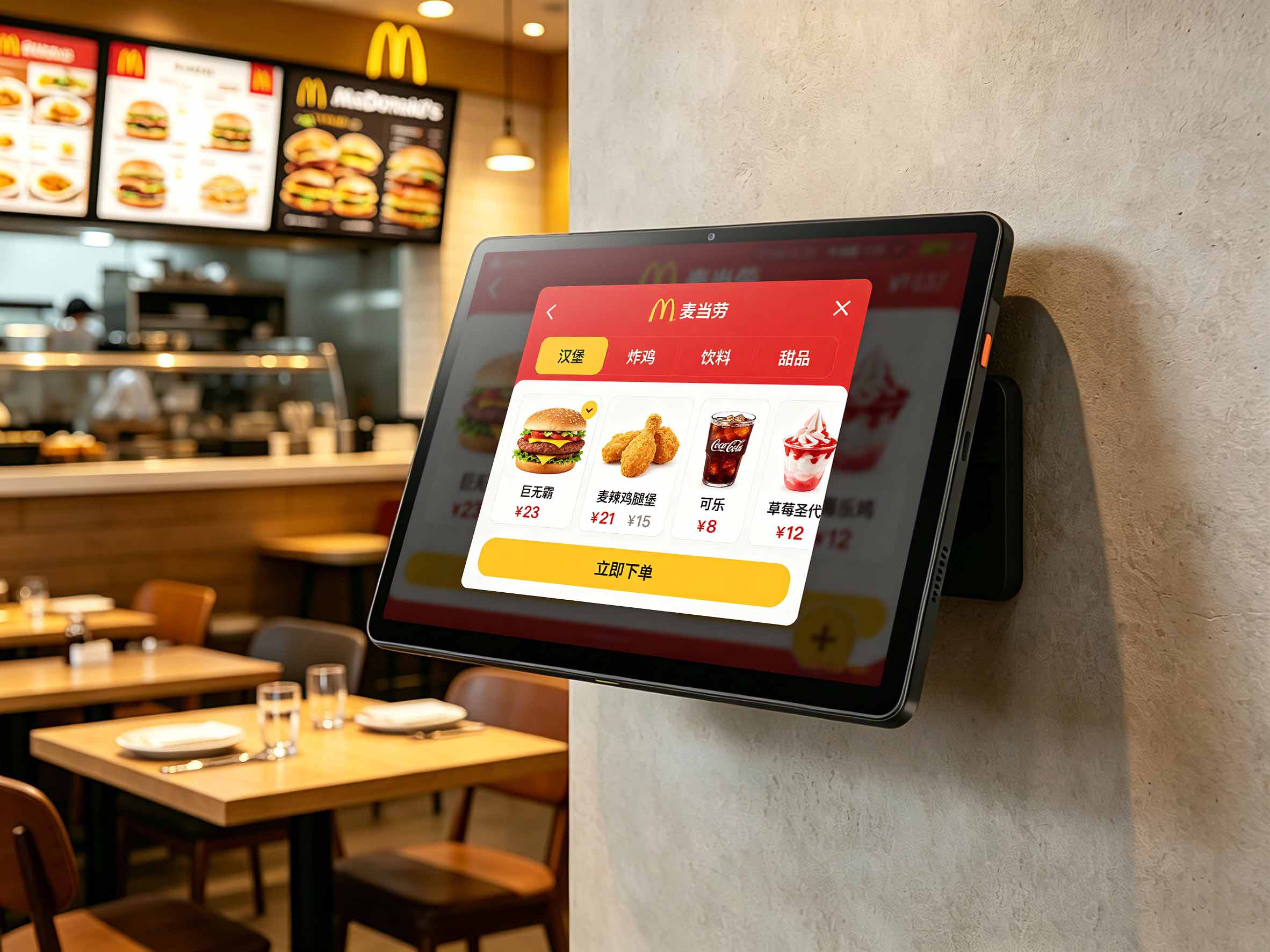
Two Real UK Scenarios Where Only a Dedicated POS Tablet Works
🏪 Corner Shop / Convenience Store
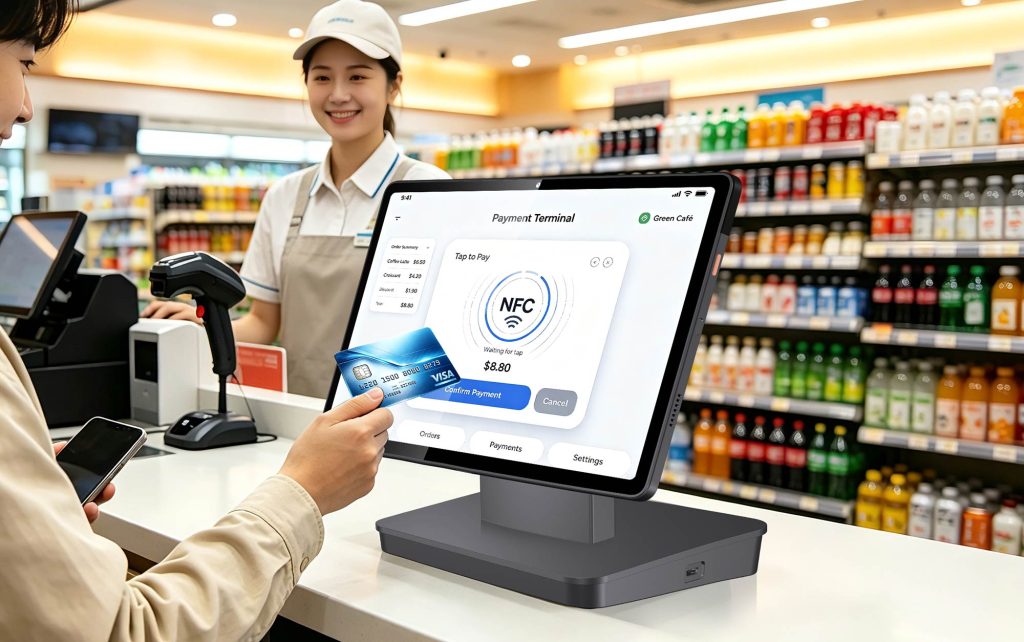
You need to scan a barcode, take a contactless payment, print a receipt, and open the cash drawer – all in under 10 seconds. A consumer tablet would need a separate Bluetooth scanner, a separate NFC dongle, and a separate printer. That’s four devices to charge, pair, and troubleshoot. The T PAD does it all with one cable (printer) and zero pairing. For a busy corner shop serving morning commuters, those extra seconds per transaction add up quickly.
🎪 Weekend Market / Pop‑Up Stall
No mains power? No problem. The T PAD’s 6000mAh battery lasts a full market day. Its LTE keeps you online even when the event WiFi drops. And the dual SIM slot lets you switch carriers if one network gets congested. This is why many UK market traders choose a dedicated Android epos tablet over repurposing a consumer device – reliability matters when every sale counts.
FAQ
Q: Can I use a Samsung Galaxy Tab with a SoftPOS app?
A: Some Galaxy Tabs have NFC, but most only support basic tag reading. They also lack the peripheral ports needed for a full till setup. For occasional use, it might work – but not for daily retail.
Q: What is the minimum NFC requirement for UK SoftPOS?
A: You need ISO 14443 Type A/B and Mifare1 at minimum. For full compatibility (including Felica for Japanese tourists and SL3 for newer cards), the T PAD covers all.
Q: Do I need GMS certification?
A: Yes. All major UK SoftPOS apps (Visa Tap to Pay, Tyl by NatWest, Phos) require GMS. Without it, you can’t install or update them via Google Play.
Q: How long does the T PAD battery last in a real shop?
A: Typically 8–10 hours of mixed use (scanning, payments, screen on). It uses pure cobalt lithium cells rated for 500 cycles at ≥80% capacity – about 2 years of daily charging.
Q: Can I manage multiple T PADs across different stores?
A: Yes. T PAD supports MDM (Mobile Device Management). You can push apps, enforce security policies, and monitor device health remotely.
Conclusion
If you’re running a serious retail operation in the UK, don’t rely on a consumer tablet as your daily POS system android. The savings disappear the first time a transaction fails or you spend an hour troubleshooting connectivity. Invest in a device built for the job – like the NORYOX T PAD 11″ – and you’ll have a reliable, all‑in‑one POS that grows with your business.
Ready to upgrade your checkout?