

Compact vs Large-Screen Handheld POS: Which Fits Your Retail Workflow?
Handheld POS terminals should help employees serve customers, not slow down their workflow. However, should retail businesses choose compact, portable terminals or devices with larger screens that can display more information?
It depends on the specific work scenario. The needs of a cashier handling quick checkouts are vastly different from those of a salesperson who needs to browse a vast product catalog or a food service worker who must verify complex orders.
For distributors and system integrators, this choice also directly influences the hardware they recommend to their customers. This guide will compare the NORYOX NB60 (6-inch) and NB80 (8-inch) models through real-world daily workflows, rather than through lengthy lists of technical specifications.
1. NB60 vs NB80: The Differences That Affect Daily Work
| Buying Question | NB60: Compact Handheld POS | NB80: Large-Screen Handheld POS |
|---|---|---|
| How much screen space? | 6-inch display for focused tasks | 8-inch display for more on-screen information |
| What happens during mobile checkout? | Compact format worth testing for frequent carrying | Larger display worth testing when staff review more details |
| What about receipts? | Built-in 58mm thermal printing | Integrated printer; 58mm and 80mm configurations are listed |
| What kind of workflow suits it? | Quick checkout, pop-up sales, delivery | Catalog browsing, multi-item orders, inventory-related tasks |
| What should buyers test? | Ease of use with their POS software on a smaller screen | Screen usability alongside size and handling comfort |
Both models have their pros and cons, and neither is inherently better than the other. A screen that feels spacious when used at a counter may be less convenient to carry around throughout an entire shift; conversely, while smaller devices are easier to hold and operate, they may require more steps to navigate when using complex applications.
The most effective way to compare them is to perform the same tasks on both devices using the software your team actually plans to deploy.
2. When a Compact Handheld POS Makes More Sense
Imagine a convenience-store employee helping customers during a busy period. The main tasks are finding an item, confirming a price, completing an order, and printing a receipt. A screen full of additional menus may offer little practical benefit.
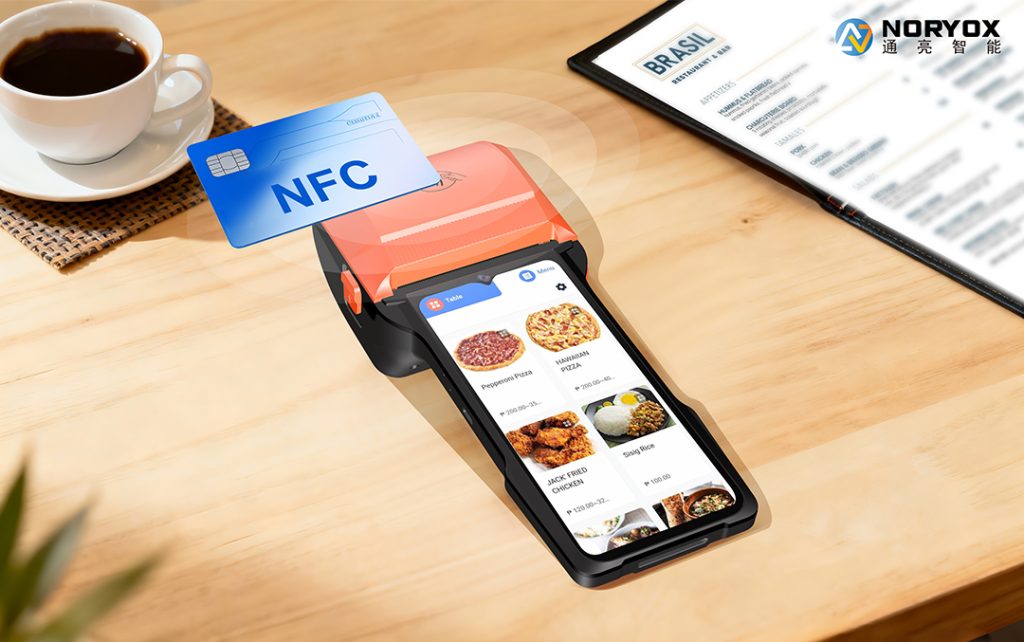
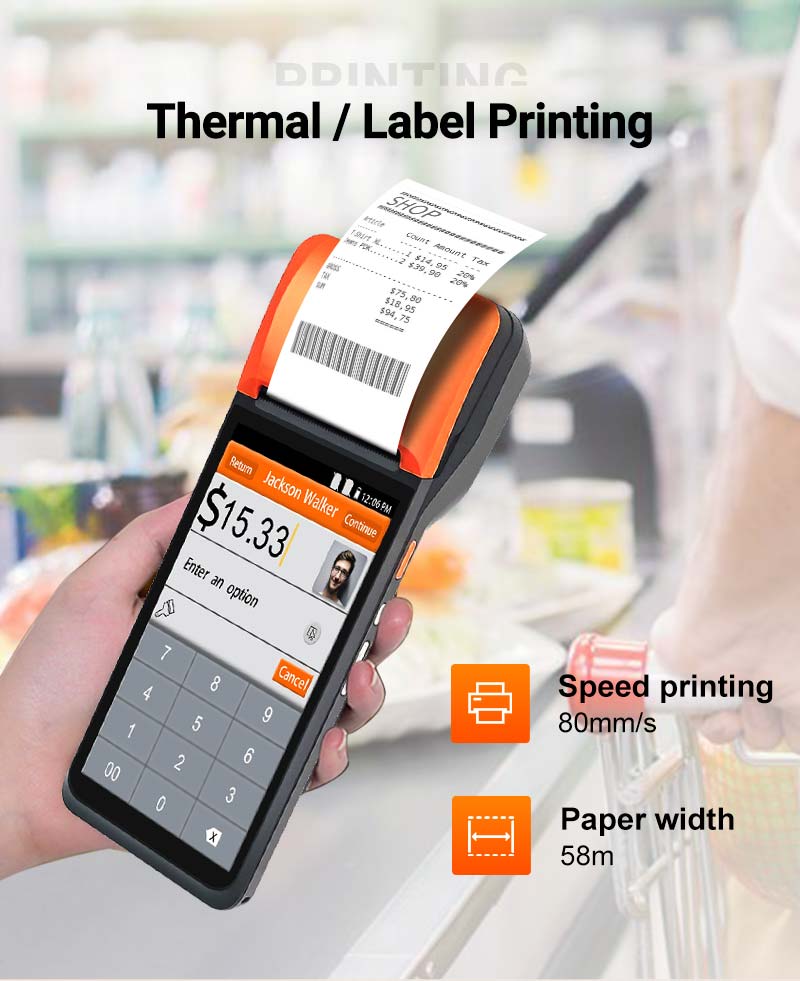
The NORYOX NB60 combines a 6-inch display with an integrated 58mm thermal printer. Its compact format is worth considering for mobile checkout, pop-up stores, and delivery-related tasks where employees move frequently.
A compact device may also be easier to accommodate where counter space is limited. However, buyers should not assume that smaller automatically means faster. A poorly designed application can require excessive tapping or scrolling even for simple transactions.
Choose a compact configuration when: employees mainly complete short tasks, the POS interface has clear controls, and standard narrow receipts meet business requirements.
Before ordering, ask the software provider to demonstrate a typical sale, a refund, and receipt printing on the actual NB60 unit. These practical checks reveal more than screen dimensions alone.
3. When a Larger Display Is Worth Considering
Now consider a retail associate helping a customer compare several products. The employee may need to view images, confirm variants, add multiple items, and review the final order before printing.
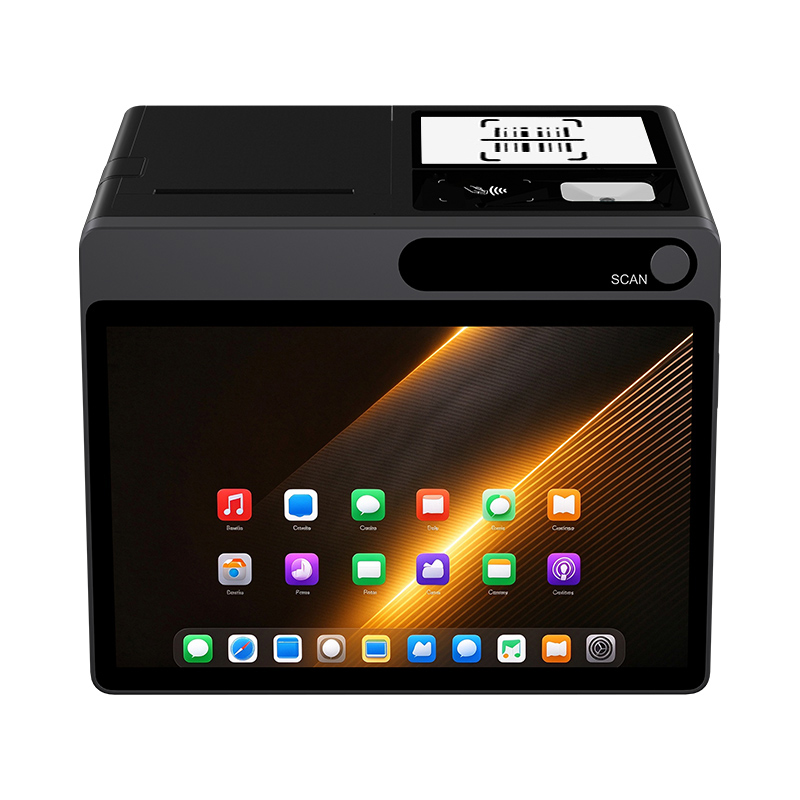
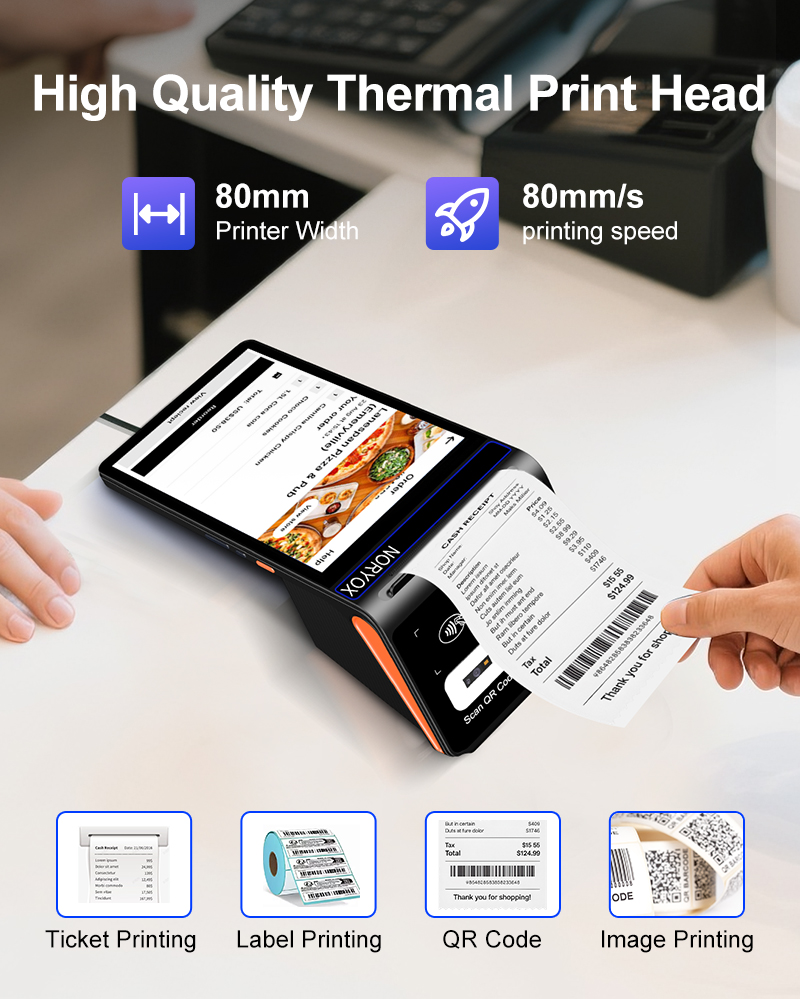
In that situation, extra screen space can be useful. The NORYOX NB80 uses an 8-inch display and includes an integrated thermal printer. The published product information lists different printer-width configurations, including an 80mm option; buyers should confirm exactly which version is quoted.
For retail applications involving extensive product catalogs, restaurant ordering interfaces, or inventory management processes that require displaying more fields, the NB80 is worth considering. The larger screen space makes it easier to view information, though the specific benefits depend on the software design.
However, a larger screen also introduces a trade-off: ease of grip and portability. For employees who need to hold the device for extended periods, a more compact device may be preferable. The device’s specific dimensions, comfort when held, and actual battery life should be tested in real-world conditions during a typical work shift, rather than judged solely based on product photos.
If employees frequently need to view detailed orders, product lists, or multiple data fields, and a larger display area can significantly enhance the user experience, then choosing a large-screen model would be a wise decision.
4. Match the Device to the Workflow, Not the Industry Label
It is tempting to say “NB60 for retail” and “NB80 for restaurants.” That would be too simplistic. Two businesses in the same industry can use very different software and operating procedures.
For example, a restaurant taking only simple payment amounts may not need an 8-inch display. A retailer with a visual product catalog might benefit from one. Similarly, a mobile salesperson who carries the terminal all day may prioritize handling comfort over the number of items visible on screen.
A useful way to decide is to observe three real tasks:
- Start a transaction: How many taps and screen changes are needed to find an item?
- Review an order: Can employees check quantities, options, and totals without confusion?
- Finish the sale: Does the printer produce the required receipt format reliably with your application?
Have employees perform these tasks on sample devices. Their feedback helps reveal whether screen size makes a meaningful difference to daily operations.
5. What B2B Buyers Should Confirm Before Ordering
For retailers, distributors, and system integrators, the right hardware choice also needs to work beyond the initial demonstration.
Software and peripheral integration. Confirm Android application compatibility and test printing, scanning, and any required NFC functions. The presence of hardware features does not guarantee that a particular payment application is approved or compatible.
Exact standard configuration. Ask which printer width, scanning option, software version, and connectivity variant are included. This is especially important for NB80 because printer configurations can differ.
Repeat orders and support. Distributors should ask about product availability, configuration consistency, warranty procedures, and technical documentation. For international deployment, verify network bands and relevant compliance documents for the exact model and destination market.
These questions are often more valuable than comparing processors or memory specifications without knowing what the application needs.
6. Which NORYOX Handheld POS Should You Evaluate First?
Start with NB60 if staff frequently carry the terminal and work with short, straightforward transactions. Its 6-inch screen and built-in 58mm printer give you a compact starting point for testing.
Start with NB80 if staff need more room to browse products, review multi-item orders, or use an interface with detailed information. Its 8-inch display offers a different operating experience, while the intended printing configuration should be confirmed during selection.
For either model, request a sample and test it with the POS software and receipt format that will be used in the field. That is the most reliable way to decide whether a smaller or larger screen fits your retail workflow.
Compare NB60 and NB80 for Your Project
NORYOX supplies standard Android handheld POS models for different business applications. If you are sourcing devices for retail stores, distribution, or a software integration project, share your target country, POS application, typical transaction workflow, and estimated order quantity.
Contact NORYOX to discuss NB60 and NB80 configurations and request product information for your evaluation.