

Android 16 All-in-One POS With Built-In 80mm Printer: Fix the Cluttered Counter
Most UK retail and QSR counters do not slow down because the tablet is too small. They slow down because there are too many boxes. A separate receipt printer, a Bluetooth scanner, a customer tablet, a cash-drawer adapter, a USB hub and a contactless reader all need power, pairing and daily fixing. On a busy Saturday that means one broken cable stops the lane.
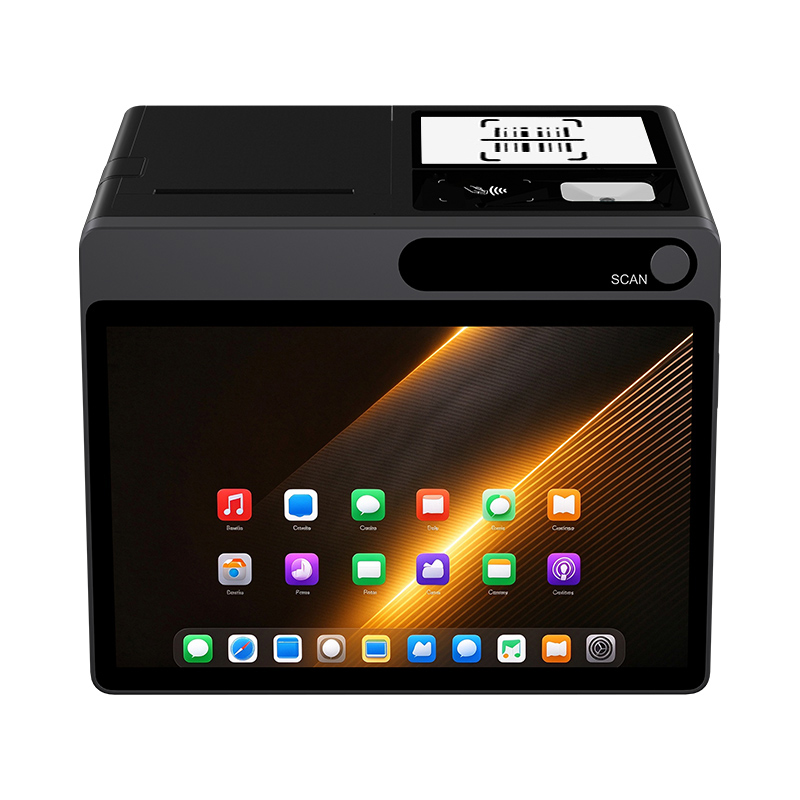
The NORYOX DP11 is an 11-inch Android 16 GMS desktop POS built to remove those boxes. It puts an 80mm auto-cutter printer, 1D/2D scanner, full-protocol NFC, a 4.3-inch customer display, cash-drawer and LAN ports, plus an 8-core 2.2GHz CPU with 4 TOPS AI inference in one unit. One power lead, one Android image, one spare strategy for QSR, supermarket and speciality retail.
The usual counter pains vs DP11 in one table
|
Daily pain
|
Traditional tablet + add-ons
|
NORYOX DP11 all-in-one
|
Why it matters for UK retail
|
|---|---|---|---|
|
Receipt printing
|
Separate 80mm/58mm printer, extra PSU, USB hub, driver issues
|
Built-in 80mm×80mm thermal, auto-cutter, front/rear paper load
|
80mm gives longer itemised receipts; auto-cut speeds QSR/convienience peaks
|
|
Barcode scanning
|
Camera or Bluetooth gun; batteries die, pairing drops
|
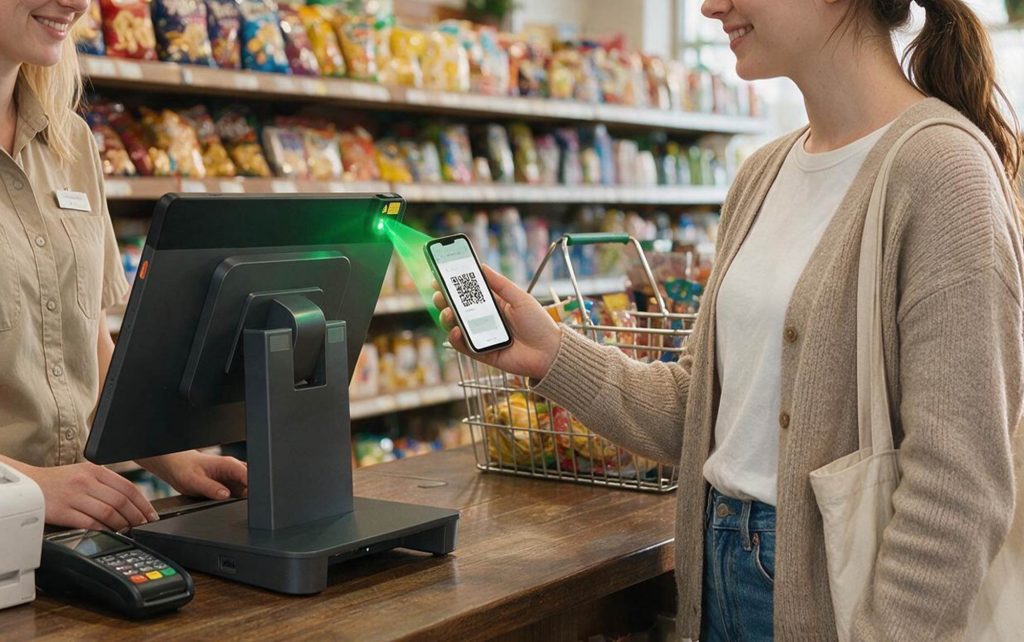
Built-in 1D/2D auto-scan with physical scan key
|
Faster basket, loyalty QR and price checks with no extra device
|
|
Card tap / SoftPOS
|
Basic NFC or external reader, attestation problems
|
ISO 14443 A/B, Mifare1, SL3, Felica; Android 16 GMS; hardware keystore
|
Supports SoftPOS testing with acquirer apps via Google Play, Play Integrity
|
|
Customer transparency
|
Second tablet, often out of date
|
4.3″ 480×800 customer display for total, promo, QR
|
Less “what did I pay” talk; better upsell at QSR/cafe
|
|
Cash drawer
|
RJ12 adapter or printer pass-through
|
RJ11+RJ12 24V/12V, LAN RJ45, 4×USB for peripherals
|
Direct drawer kick, scale/printer/peripheral without dongles
|
|
OS support
|
Old Android, late patches
|
Android 16 GMS, MDM-ready, longer patch window
|
Chain fleets avoid forced refresh every 2–3 years
|
|
Counter space
|
Printer+scanner+reader+cables
|
One 11″ chassis, one cable set
|
Better for small convenience/cafe counters
|
This is not “tablet vs desktop”. It is “five failure points vs one managed terminal”.
Built-in 80mm auto-cutter: less paper, fewer cables
DP11’s integrated printer uses 80mm paper with auto-cutter. For UK shops that is the practical size: longer SKU lists, modifiers, VAT lines, voucher codes and QR receipts without shrinking everything to 58mm. Auto-cut avoids hand-tearing and keeps takeaway, pharmacy and convenience lanes moving.
Choose built-in printing when:
- you print every sale, not occasional receipts;
- counter is under 1m per operator;
- you run multiple lanes and want one spare terminal instead of spare printer+scanner+adapter per lane;
- your POS app supports local receipt spool so a Wi‑Fi drop does not lose tickets.
Keep an external 80mm or label printer only for shelf labels, very long vouchers, or redundant kitchen printing. Integrated does not mean “no external printer ever” — it means the primary lane is simpler.
Strong AI POS CPU: 8-core 2.2GHz, 4 TOPS inference
Leadership’s “Strong AI POS CPU with 4 TPOS GPU” should be written as 4 TOPS AI inference. On DP11 (RK3572, 8-core: 2×A73 2.2GHz + 6×A53 2.1GHz, 6GB RAM, 128GB), 4 TOPS gives local headroom for POS-side AI without sending everything to the cloud:
- faster item/price lookup and smart product suggestions in large catalogues;
- local preprocessing for OCR receipts, return slips, label parsing;
- smoother POS UI while running printer spool, customer display and background sync;
- pilot features from your POS vendor: basket insights, anomaly flags, simple assistant prompts.
Be honest with buyers: 4 TOPS is “AI-ready desktop POS”, not a guarantee of camera loss-prevention. Computer-vision防损 still needs cameras, models, privacy review and POS SDK support. Sell the inference headroom, not science fiction.
4.3″ customer display: fewer disputes, more upsell
The built-in 4.3-inch customer screen shows order total, line items, modifiers and promotions in real time. In QSR and coffee loops this cuts repeated price questions; in speciality retail it rotates bundle offers and loyalty QR without a second tablet.
Practical uses:
- show “no cheese / large / extra shot” so the guest confirms before pay;
- show promo bundle (“add hash brown”, “meal upgrade”);
- display QR for loyalty enrolment or digital receipt;
- show VAT/total clearly for tourist and speciality shops.
Because it is part of the terminal, there is no separate OS to update and no second mount on the counter.
Android 16 GMS + full NFC: cleaner SoftPOS path
DP11 ships Android 16 with GMS. For UK SoftPOS that helps because:
- Google Play installs supported POS/SoftPOS apps instead of sideload APKs;
- Play Integrity and hardware-backed keystore reduce rooted/tampered-device rejects;
- Android 16 extends security and app-compatibility windows for chain rollouts;
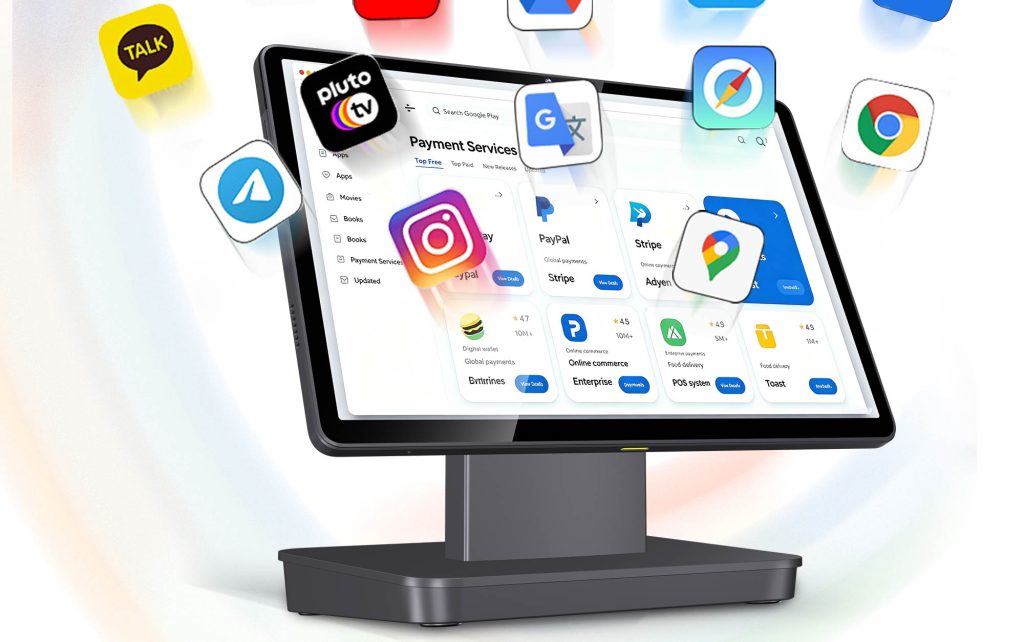
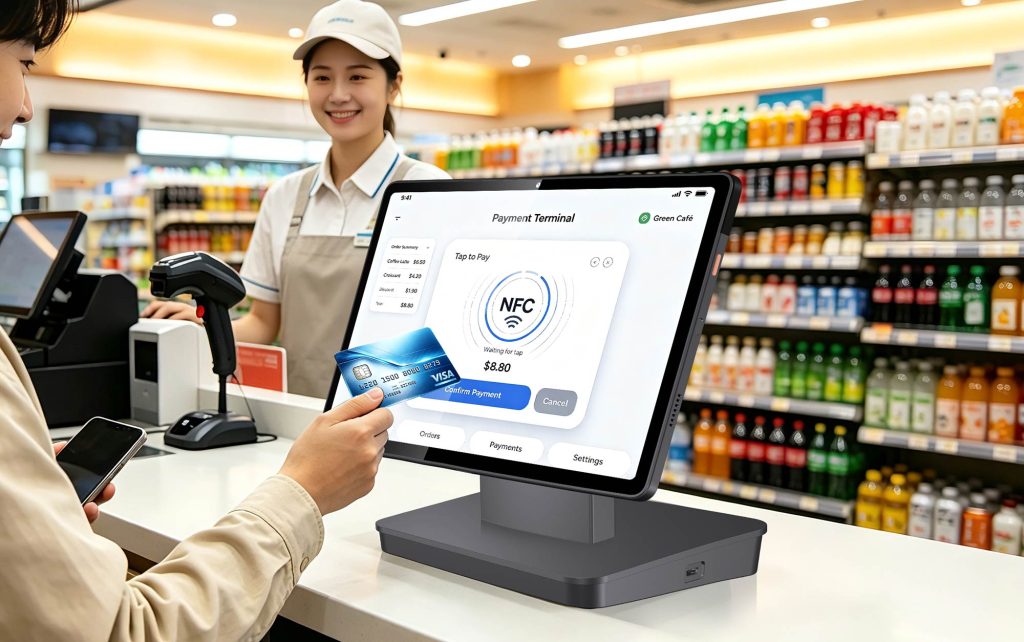
- full NFC stack (14443 A/B, Mifare1, SL3, Felica) covers contactless cards, Apple/Google Pay and many loyalty cards.
Do not promise “GMS = approved by every UK acquirer”. For live SoftPOS, request EMV Level 1 / payment-grade NFC report for the exact DP11 build, then pilot with your acquirer (Worldpay, Tyl, Stripe, SumUp, Phos/Ingenico, etc.). CCV-style requirements ask NFC-enabled enterprise hardware, EMV L1 recommendation, GMS, Play Integrity, hardware keystore and regular updates.
One SKU for QSR, supermarket, speciality retail
DP11 consolidates connections so one part number fits several formats:
|
Store format
|
DP11 configuration
|
Main pain solved
|
|---|---|---|
|
QSR / cafe
|
Built-in 80mm cutter + 4.3″Customer Display + 1D/2D + NFC + Wi‑Fi 6/4G
|
Order accuracy, fast receipt, upsell on customer screen
|
|
Convenience / supermarket
|
Scanner + 80mm receipts + RJ12 drawer + RJ45 LAN + MDM
|
High-scan throughput, wired stability, unified firmware
|
|
Speciality / apparel
|
11″ main screen + 4.3″Customer Display + GMS apps + NFC SoftPOS
|
Loyalty QR, promotions, clean counter for advisory selling
|
|
Multi-store pilot
|
Android 16 + MDM kiosk, staged OTA, remote wipe
|
One image across sites, less on-site IT
|
Wi‑Fi 6 covers busy venues; RJ45 gives wired stability for fixed lanes; 4G B1/3/5/7/8/20/28 covers backup and rural/coastal stalls if that SKU is used.
Pilot checklist before fleet order
- Confirm Android 16 GMS certificate number and shipping firmware.
- Request EMV Level 1 / NFC test report for the exact DP11 model, not a similar 11″ unit.
- Install your POS app + one UK SoftPOS app from Google Play; run £1.00 contactless test with card, Apple Pay, Google Pay.
- Print 200 mixed 80mm receipts; check speed, jam recovery, paper-load time, cutter behaviour.
- Scan 1D/2D, damaged label and loyalty QR with built-in scanner.
- Test RJ12 drawer kick, RJ45 LAN failover, USB printer/scale if used.
- Enrol one unit in MDM: kiosk mode, app allowlist, overnight OTA, remote wipe.
- Only then standardise one DP11 SKU per store format.
FAQ
Q: Is built-in 80mm better than an external receipt printer?
A: For standard lanes, yes — less counter clutter, one power lead, one spare terminal. For labels, very long vouchers or redundant kitchen printing, keep an external printer.
Q: What does 4 TOPS AI actually do on a POS?
A: It speeds local search, smart product suggestions, OCR/returns assistance and background reporting. Full video analytics still needs cameras and POS AI software.
Q: Can DP11 run SoftPOS without an external card reader?
A: Potentially, after your acquirer approves the exact build. Requirements include GMS, full NFC, hardware keystore, Play Integrity, updated Android and EMV-level testing. Always pilot first.
Q: Do I need the 1920×1200 screen option?
A: Default 1280×800 is fine for receipts and QSR. Choose 1920×1200 if your POS UI is dense, or you show images/modifiers on a larger basket.
Q: Is one SKU enough for QSR and supermarket?
A: For standard checkout, yes if ports, printer, scanner, NFC and MDM are identical. Add external label/kitchen printers only where the workflow needs a second print path.
Conclusion
DP11 is not another 11-inch Android tablet. It is an all-in-one desktop POS that removes the usual counter problems: separate printers, dead Bluetooth scanners, missing customer display, old Android builds and messy SoftPOS approvals. With Android 16 GMS, built-in 80mm auto-cutter, 8-core 2.2GHz CPU plus 4 TOPS AI inference, 4.3-inch customer display, integrated 1D/2D scanning, full NFC and one SKU covering RJ11/RJ12/RJ45/USB/4G/Wi‑Fi 6, it gives store owners a simpler counter and IT teams a standard image. Validate GMS and EMV documents on one unit, run a one-week lane pilot, then roll out by format.
Internal links: Can I use a normal Android tablet as POS in the UK; NFC protocols required for SoftPOS; How to set up SoftPOS on Android tablet in the UK; Android POS tablet with barcode scanner and cash drawer port; Multi-store POS with MDM; DP11/TPAD product pages.