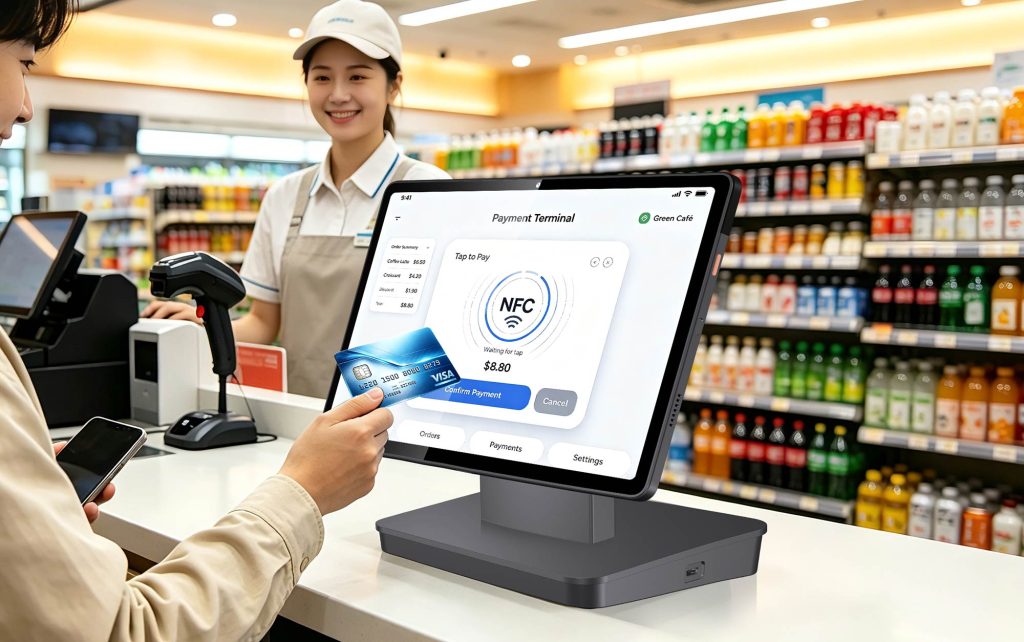
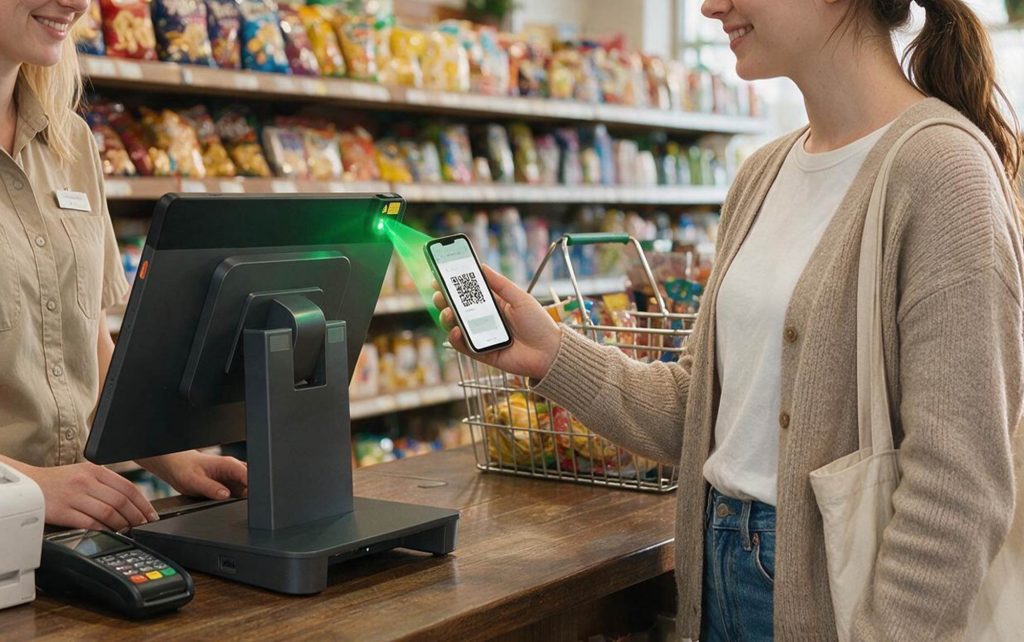
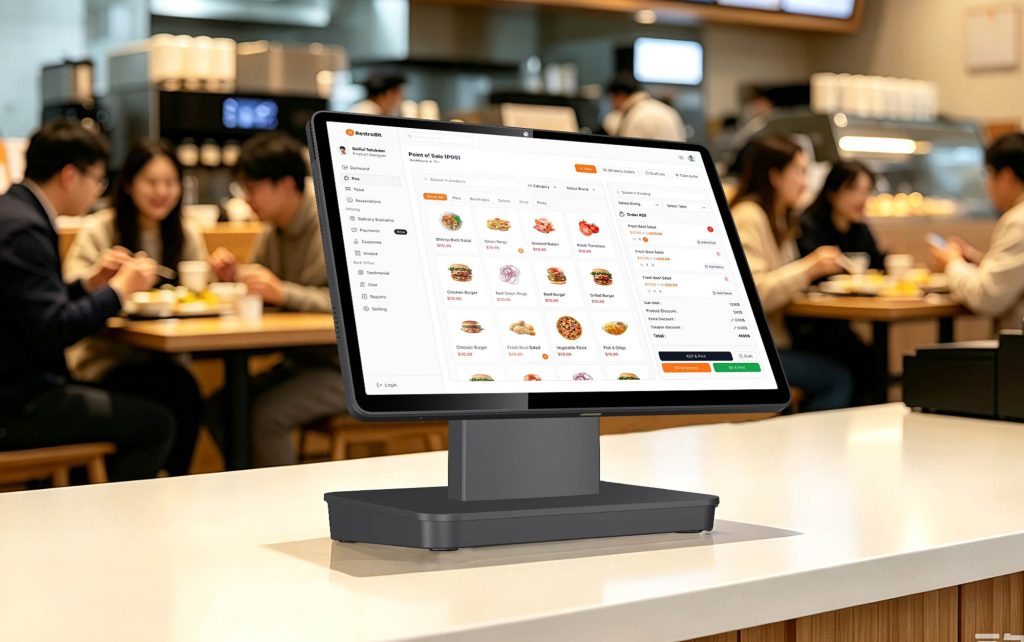
In short, for use in pop-up stores or market stalls, we recommend choosing an 11-inch tablet running Android 14 and certified for GMS. The device should have the following features: a built-in 1D/2D barcode scanner, under-display NFC with SoftPOS support, 4G connectivity (if operating in remote areas, be sure to confirm support for the B20/B28 bands), a real-world battery life of at least 8 hours, and a POS application that supports offline operation along with receipt printing and output capabilities. If multiple booths or stores are involved, the system should also include a Mobile Device Management (MDM) system featuring “Kiosk mode,” “Zero-touch enrollment,” and automatic nightly updates, so that a single IT staff member can centrally manage all devices. The NORYOX TPAD 11-inch model fully meets the above specifications; before the peak season begins, any portable device model you select should be tested against these standards.
- “Last Saturday the Wi‑Fi at the market disappeared at 11am and I stopped taking cards.”
- “My Bluetooth reader lost pairing during the lunch rush.”
- “The tablet died at 3pm because the scanner, NFC and 4G were all running.”
- “It rained for ten minutes and I had to wrap the whole till in a plastic bag.”
- “I sold 40 candles but my notebook says 38, and I have no idea which SKU sold out.”
- Real-World Challenges Faced by Market Stalls (Not Just Specs on a Sheet)
|
Stall pain
|
Cheap consumer tablet + add-ons
|
Purpose-built portable POS tablet
|
|---|---|---|
|
No Wi‑Fi at market
|
Phone hotspot, drops when crowd grows
|
4G LTE, dual SIM option; B20/B28 for rural/coastal
|
|
Card tap fails
|
Basic NFC or separate reader, extra pairing
|
Under-screen NFC, 14443 A/B, Mifare1, SL3, Felica, SoftPOS-ready
|
|
Slow barcode scan
|
Camera only, bad in sunlight
|
Built-in 1D/2D imager, scan key, no Bluetooth battery
|
|
Battery dies mid-shift
|
4–6h under load, hunt for socket
|
6000mAh, 8–10h active scan+NFC+4G
|
|
No receipt
|
Manual or separate printer hub
|
USB/Bluetooth/LAN printer; email/SMS receipt option
|
|
Offline selling
|
App may block cash only
|
POS app with offline queue and later sync
|
|
Setup/packdown
|
20 min of cables
|
One tablet, one stand, boot and trade
|
- The POS app can usually take orders and queue sales offline.
- Card authorisation may need connectivity unless your SoftPOS/terminal supports stored offline transactions within acquirer limits.
- When signal returns, the app reconciles and settles. Staff must follow the acquirer’s offline rules; do not invent your own limit.
- Use a 4G tablet rather than relying only on venue Wi‑Fi. At busy markets, public Wi‑Fi congests exactly when you need it.
- every device ends up on a different Android build;
- one bad update freezes all tills at 9am;
- a stolen tablet still has your POS login;
- new shop opening means an IT person travelling there.
- Kiosk/single-app mode — lock the tablet to your POS app, hide settings, disable sideloading.
- Zero-touch or QR enrolment — unbox, connect Wi‑Fi, device pulls POS app, scanner rules, Wi‑Fi credentials and kiosk profile automatically.
- Staged updates — pilot one store, then push OS/PPOS app overnight, e.g. 02:00–05:00 local, never during trading.
- Remote support — reboot, push policy, view health, lock or wipe if lost.
- Fleet inventory — model, firmware, battery health, last check-in, app version per store.
- Security baseline — encryption, screen lock, USB file-transfer restriction, allowed app list, certificate/Wi‑Fi auto-config.
|
Task
|
5 stalls, manual
|
5–50 devices, MDM
|
|---|---|---|
|
New device setup
|
30–60 min each, on site
|
Zero-touch, 5–10 min, pre-configured
|
|
POS app update
|
Staff update by hand, versions drift
|
Staged push, pilot first, overnight install
|
|
Lost/stolen device
|
Reset and hope data is gone
|
Remote lock + wipe, factory-reset protection
|
|
Wi‑Fi/cert changes
|
Visit every store
|
Push profile from console
|
|
Incident troubleshooting
|
Someone drives to the stall
|
Remote view/reboot, or kiosk auto-relaunch
|
|
Version consistency
|
Rarely consistent
|
Enforced same app/firmware baseline
|
- Android 14, GMS certified — SoftPOS apps and mainstream retail apps install via Play; hardware-backed security for attestation.
- 11″ 1920×1200 IPS — big enough for basket, scan, tap zone; still portable for assisted selling.
- Under-screen NFC — ISO 14443 A/B, Mifare1, SL3, Felica; SoftPOS/PCI CPoC on product page; no external reader for tap if your acquirer approves the build.
- Built-in 1D/2D scanner — UPC/EAN/Code128/QR/DataMatrix class; physical scan key on the industrial/build configuration.
- Connectivity — Wi‑Fi 2.4/5GHz, 4G LTE, dual-SIM or SIM+TF option, B1/3/5/7/8/20/28 and more on the Eurasian build; B20/B28 matter for rural markets and coastal stalls.
- Ports — 3×USB-A, RJ12, LAN, Type-C; Bluetooth printer/scanner/scale; use LAN at venues with wired net, 4G where there isn’t.
- Battery — 6000mAh, 8–10h active; carry a power bank for 10+ hour festivals.
- Management — MDM + SDK, kiosk/Android Enterprise workflows, remote policy, OTA staging.
- Load your POS app and SoftPOS app; test a £1.00 tap with card, Apple Pay, Google Pay.
- Scan 20 real products, including one damaged label and one loyalty QR.
- Turn off Wi‑Fi, run 10 sales on 4G, then on full offline if your app allows; reconnect and check reconciliation.
- Print one receipt via USB, one via Bluetooth; if cash, kick the drawer from RJ12.
- Run the tablet from 08:00 to 17:00 with scanner+NFC+4G; record remaining battery.
- Pack down, recharge, export end-of-day totals.
- Build one MDM profile: kiosk app, allowed Wi‑Fi, printer(s), scanner settings, update window.
- Enrol one pilot device, trade one full day, check peripheral behaviour after update.
- Stage rollout: pilot store → 2 stores → remainder; never all stores at once.
- Set theft response: remote lock/wipe, last known location, factory-reset protection.
- Keep previous POS app version in MDM for rollback.