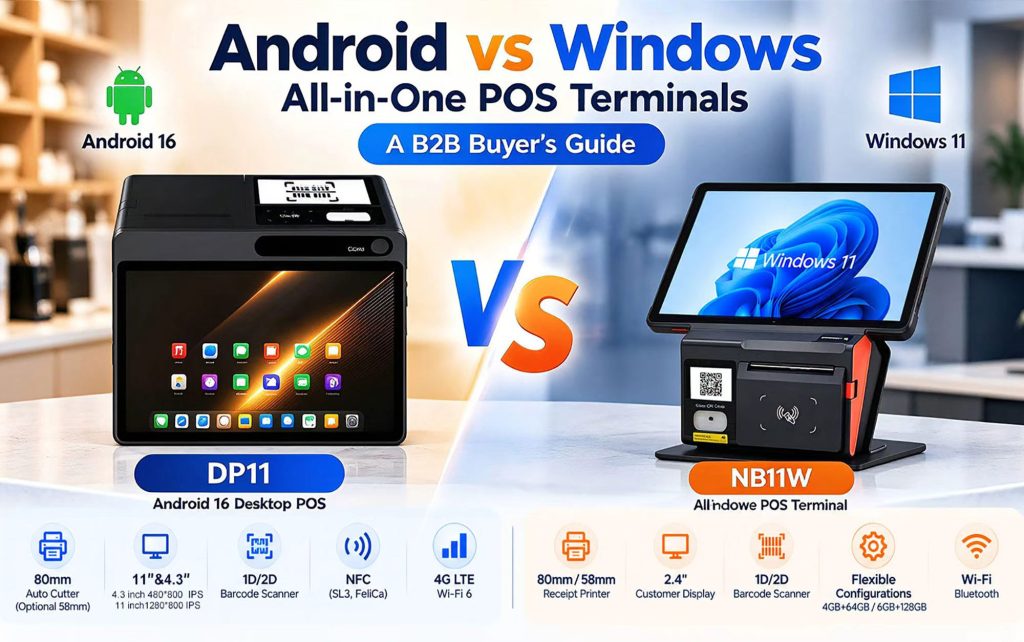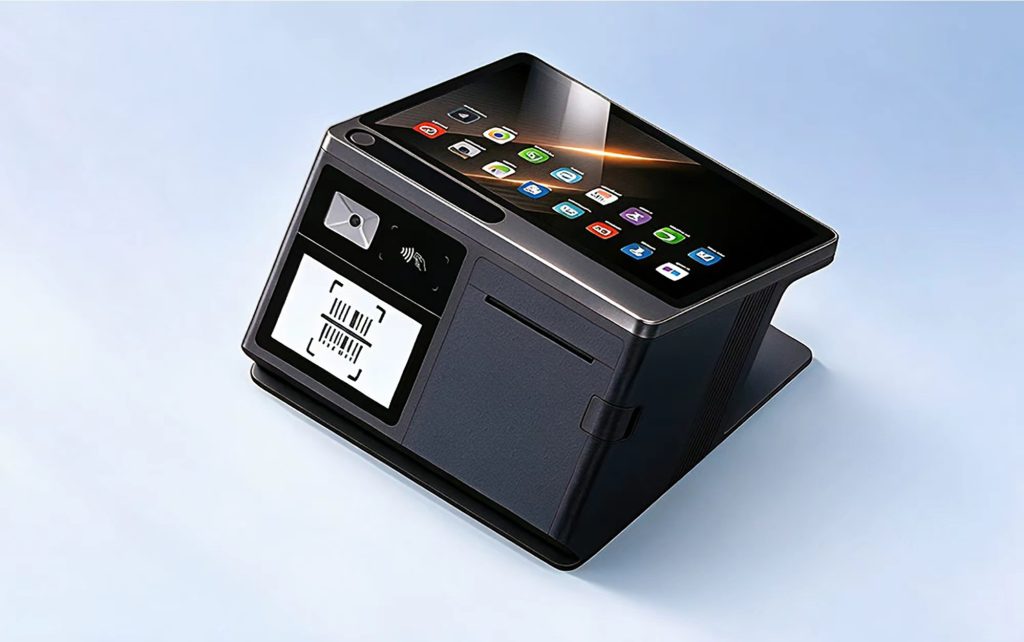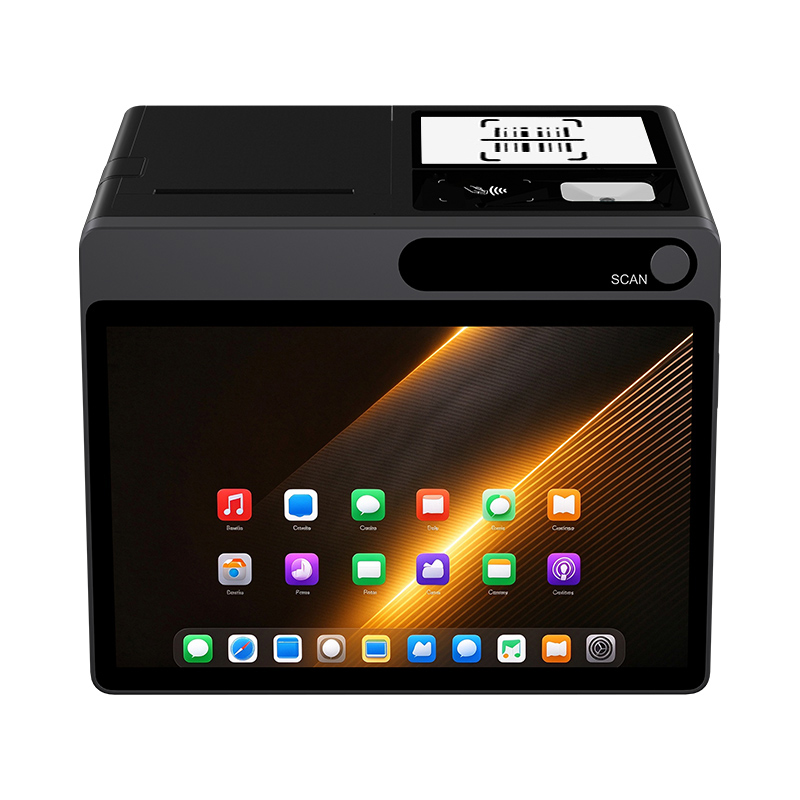


The short answer: If your checkout counter looks like a “spiderweb” of Bluetooth receivers, USB hubs, and tangled cables, you need an Android POS tablet with a built-in barcode scanner and a standard RJ12 cash drawer port. You need a device that handles scanning, payments, printing, and cash drawer operation all in one, without the need for a mess of external peripherals. The NORYOX TPAD 11-inch tablet was designed specifically for this purpose. But more importantly, this article will show you that the cost of cobbling together a system using adapters is far higher than you might imagine.The hidden headaches of buying a “standard” tablet for your shop
Let me describe a scenario I’ve seen in many convenience stores across the UK:
You buy a cheap 10-inch Android tablet. It runs the POS app just fine. Then you need a barcode scanner—so you add a Bluetooth one. Pairing goes smoothly in the morning, but by lunchtime, the connection drops, and staff have to wave the scanner around like a magic wand. Next, you need a cash drawer—but the tablet lacks an RJ12 port, so you buy a USB-to-RJ12 adapter. It works—until someone accidentally bumps the USB hub. What about the receipt printer? That’s another USB cable and another hub port taken up. And the Wi-Fi? Since the router is tucked behind the fridge, the signal drops twice a day.
Let me describe a scenario I’ve seen in many convenience stores across the UK:
You buy a cheap 10-inch Android tablet. It runs the POS app just fine. Then you need a barcode scanner—so you add a Bluetooth one. Pairing goes smoothly in the morning, but by lunchtime, the connection drops, and staff have to wave the scanner around like a magic wand. Next, you need a cash drawer—but the tablet lacks an RJ12 port, so you buy a USB-to-RJ12 adapter. It works—until someone accidentally bumps the USB hub. What about the receipt printer? That’s another USB cable and another hub port taken up. And the Wi-Fi? Since the router is tucked behind the fridge, the signal drops twice a day.
The result? You spend 20 minutes every morning checking connections. Customers are waiting, and staff are complaining. You start wondering: “Should I have just bought a professional POS tablet in the first place?”
That is the pain point. And it is entirely avoidable.
That is the pain point. And it is entirely avoidable.
What a proper Android POS tablet should have (and why it matters)
|
Feature
|
What a consumer tablet + dongles gives you
|
What a purpose-built POS tablet (like TPAD 11″) gives you
|
Why it hurts when you miss it
|
|---|---|---|---|
|
Barcode scanner
|
Camera or Bluetooth scanner; slow, needs charging, drops connection
|
Built-in 1D/2D imager; instant scan, no pairing, no battery
|
Every slow scan = customer waiting = lost sales
|
|
Cash drawer port
|
USB adapter or printer pass-through; extra cable, driver issues
|
Direct RJ12 port; plug and play, POS app kicks drawer reliably
|
Adapter fails → drawer stuck → cash sales become awkward
|
|
Printer connection
|
USB hub shared with scanner; port conflicts
|
Dedicated USB-A ports (3 on TPAD); printer gets its own lane
|
Shared hub = intermittent print failures at peak
|
|
Network
|
Wi-Fi only; drops in basement or near metal shelves
|
LAN port for wired + 4G backup; zero drop during lunch rush
|
Wi-Fi outage = no payments, no orders, angry customers
|
|
NFC for SoftPOS
|
Maybe basic tag read; not payment-grade
|
Under-screen NFC with full protocol stack (14443 A/B, Mifare1, SL3, Felica)
|
Card tap fails → customer pulls out cash → you lose card fee revenue
|
|
Battery
|
4–6 hours under load; needs midday charge
|
6000mAh, 8–10 hours active use
|
Dead tablet at 3pm = shut down early or find a power outlet
|
|
Management
|
Manual updates; different models per batch
|
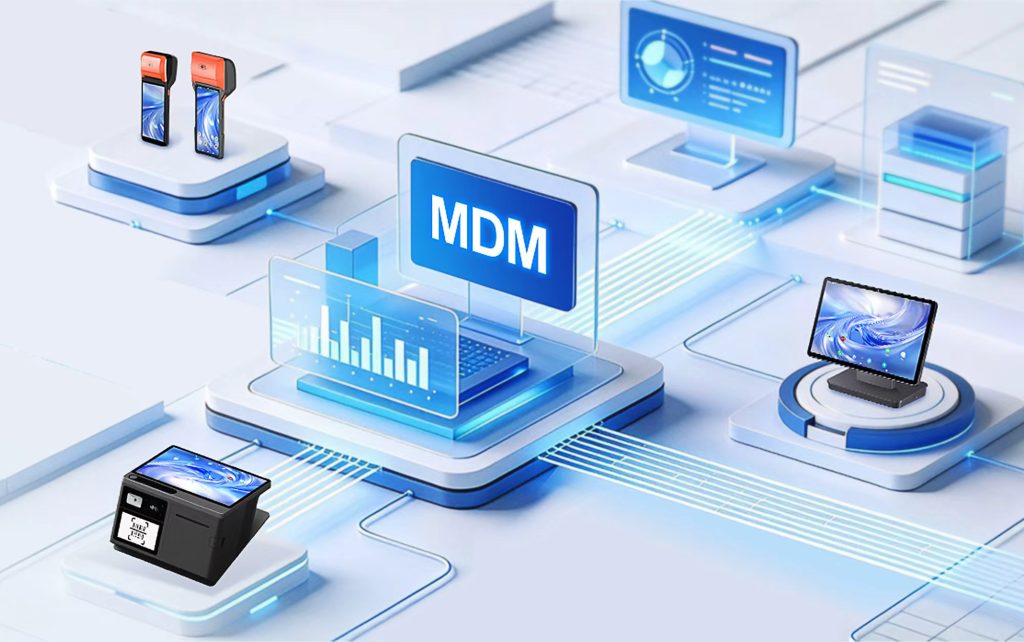
MDM + SDK; remote lockdown, OTA updates, fleet consistency
|
One rogue update breaks all devices; no central control
|
Real stories from real shops
The convenience store that saved 3 hours a week
A small chain replaced five consumer tablets with TPAD 11″. Before: each morning, staff spent 10 minutes reconnecting Bluetooth scanners and restarting USB hubs. After: boot up, log in, start scanning. No dongles, no drama. That’s 3 hours saved per week per store – which they redirected to stocking shelves and serving customers.
The café that stopped losing lunch rushes
A coffee shop in Manchester used a consumer tablet with a separate NFC reader. During the 12–2pm rush, the reader would occasionally fail to pair. They switched to TPAD’s under-screen NFC – no pairing, no separate device, just tap on the screen. Lunch revenue increased by 8% because they processed payments faster.
The farm shop that killed the “printer not working” call
A farm shop in Devon had a printer connected via a USB hub shared with the scanner. Every time the hub was jostled, the printer dropped. Staff called the owner at home. After switching to TPAD with dedicated USB-A for printer and built-in scanner, the calls stopped. The owner said it was “the best $200 I ever spent.”
How to know if you need an integrated POS tablet
Ask yourself these questions:
- Do I spend more than 5 minutes per shift fixing connections?
- Do staff complain about the scanner not working?
- Have I ever lost a sale because the card tap failed?
- Do I have more than one dongle/adapter on my counter?
- Am I worried about Wi-Fi dropping during busy hours?
If you answered “yes” to any of these, a purpose-built Android POS tablet with scanner and cash drawer port will pay for itself in reduced stress and faster checkout.
What to look for when buying (the short checklist)
- Built-in 1D/2D scanner – not camera, not Bluetooth. Confirm it reads UPC, EAN, Code 128, QR, Data Matrix.
- RJ12 cash drawer port – direct connection, no adapter.
- At least 2 USB-A ports – one for printer, one for spare.
- LAN port – for wired stability; 4G backup is a bonus.
- Payment-grade NFC – ask for ISO 14443 A/B, Mifare1, SL3, Felica.
- Android 14 GMS – ensures SoftPOS apps pass Play Integrity.
- 8+ hour battery – under real scanner + NFC + screen load.
- MDM support – if you have more than one store or plan to scale.
The NORYOX TPAD 11″ – does it match?
Yes, and here’s the quick summary:
- Built-in 1D/2D scanner with dedicated scan key
- RJ12 for cash drawer
- 3× USB-A for printer, scanner, and more
- LAN + 4G LTE (dual SIM option, includes B20/B28 for rural)
- Under-screen NFC with full protocol stack (14443 A/B, Mifare1, SL3, Felica)
- Android 14 GMS certified
- 6000mAh battery, 8–10 hours active
- MDM + SDK for fleet management
But don’t take my word for it. Order one unit, connect your POS app and SoftPOS, test with your actual scanner, printer, and drawer. If it doesn’t simplify your counter in one week, send it back. That’s the only way to be sure.
Still not convinced? Compare the total cost over 3 years
|
Item
|
Consumer tablet + dongles
|
Integrated POS tablet (e.g., TPAD 11″)
|
|---|---|---|
|
Tablet
|
$150
|
$250+
|
|
Bluetooth scanner
|
$80
|
Included
|
|
USB hub
|
$20
|
Not needed
|
|
RJ12 adapter
|
$15
|
Not needed
|
|
Separate NFC reader (if needed)
|
$100
|
Included (under-screen)
|
|
Spare batteries for scanner
|
$30/year
|
None
|
|
IT support time (estimated)
|
2 hours/month @$£20/hr = $480/year
|
0.5 hours/month = $120/year
|
|
Downtime losses (estimated)
|
$200/year (lost sales due to failures)
|
$20/year
|
|
3-year total
|
$1,275
|
$610
|
Even with a higher upfront cost, the integrated tablet saves money by year two. And that’s before counting staff frustration and customer satisfaction.
FAQ (real questions from shop owners)
Q: “My current setup works, why change?”
A: If you never have connection issues, staff never complain, and you never lose a sale, stick with it. But most shops I visit admit there are daily small frustrations. Those add up.
Q: “Can I use a Bluetooth scanner with this tablet instead of the built-in?”
A: You can, but why would you? The built-in is faster, always charged, and never loses pairing. Keep the Bluetooth scanner as a backup for stocktaking.
Q: “Does the RJ12 port work with any cash drawer?”
A: Most standard drawers use RJ12. Check your drawer’s pinout with your POS vendor. TPAD’s RJ12 is a standard implementation.
Q: “Is the built-in scanner good enough for damaged barcodes?”
A: Yes, built-in 1D/2D imagers typically handle wrinkled, faded, or poorly printed barcodes better than camera-based scanning.
Q: “What if I need a receipt printer AND a kitchen display?”
A: With 3× USB-A and LAN, you can connect a printer on USB, a second display via HDMI (if supported), and still have a spare port. TPAD also supports Bluetooth for wireless printers.
Conclusion
If your checkout counter looks like a tech repair bench, it’s time for a change. An Android POS tablet with built-in barcode scanner and cash drawer port eliminates the most common pain points: loose connections, dead batteries, failed pairings, and slow scanning. The NORYOX TPAD 11″ is one proven solution, but the principle applies to any commercial-grade tablet you evaluate. Test one lane, measure the difference in speed and sanity, then decide.
Internal links: